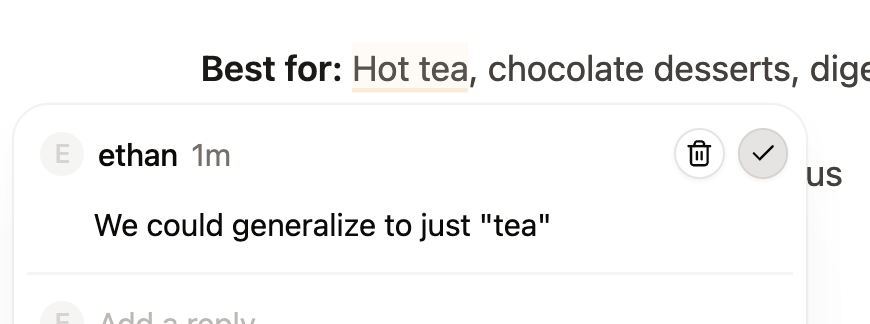
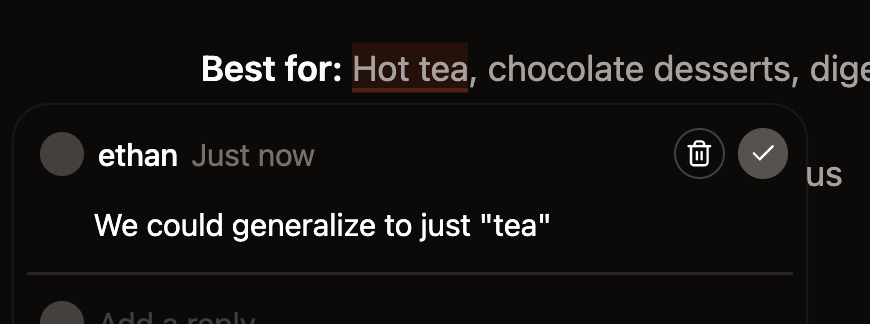
Add a comment
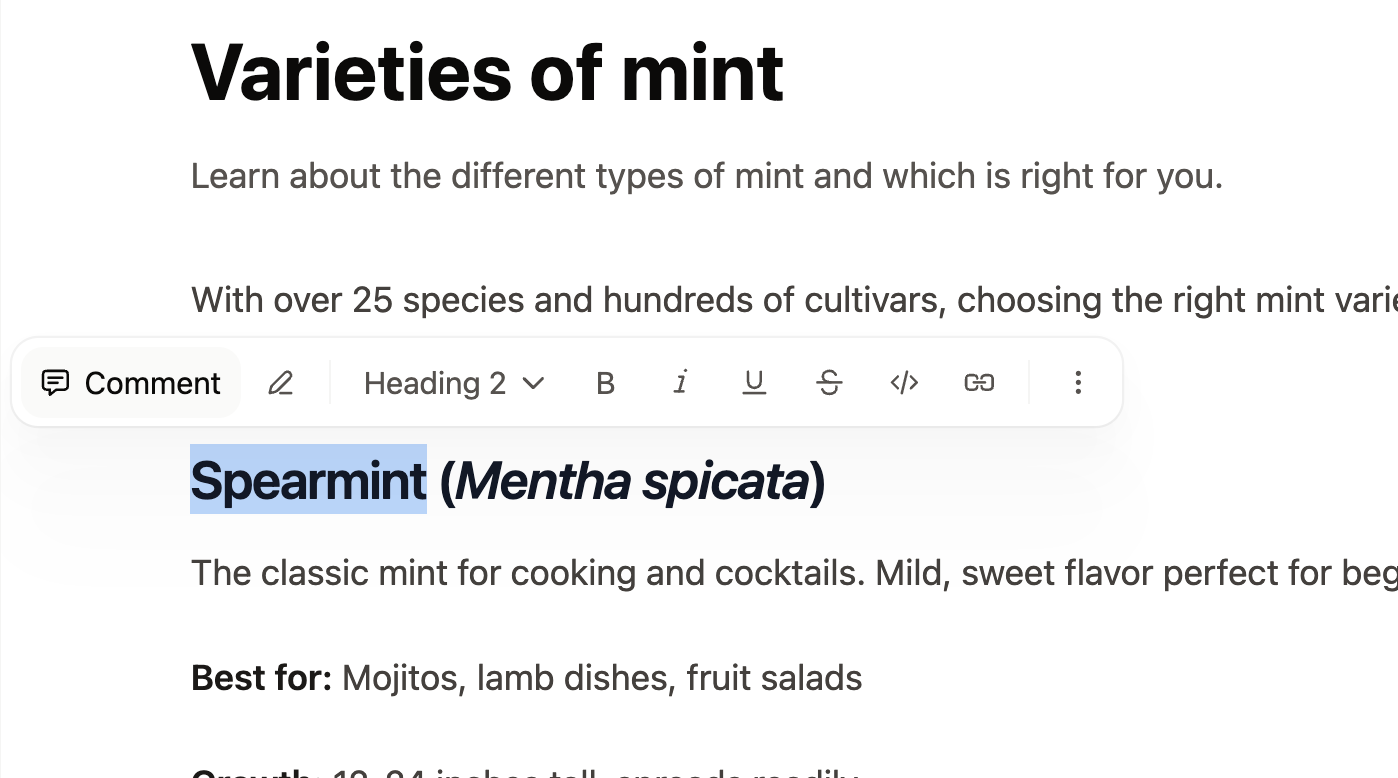
- Highlight the text you want to comment on.
- Click Comment in the toolbar that appears.
- Type your comment and press Enter to submit.

Reply to a comment
Open a comment thread by clicking the highlighted text or clicking the thread in the comment sidebar. Type your reply and press Enter to submit.

Mention a teammate
Type@ in a comment or reply to mention a teammate. Select their name from the list that appears. People must be a member of your organization for you to mention them.
Mentioned teammates receive an email notification.
Resolve a comment
Editors and admins can resolve threads when a discussion is complete. Click the checkmark icon to resolve a thread.